 NimbleMap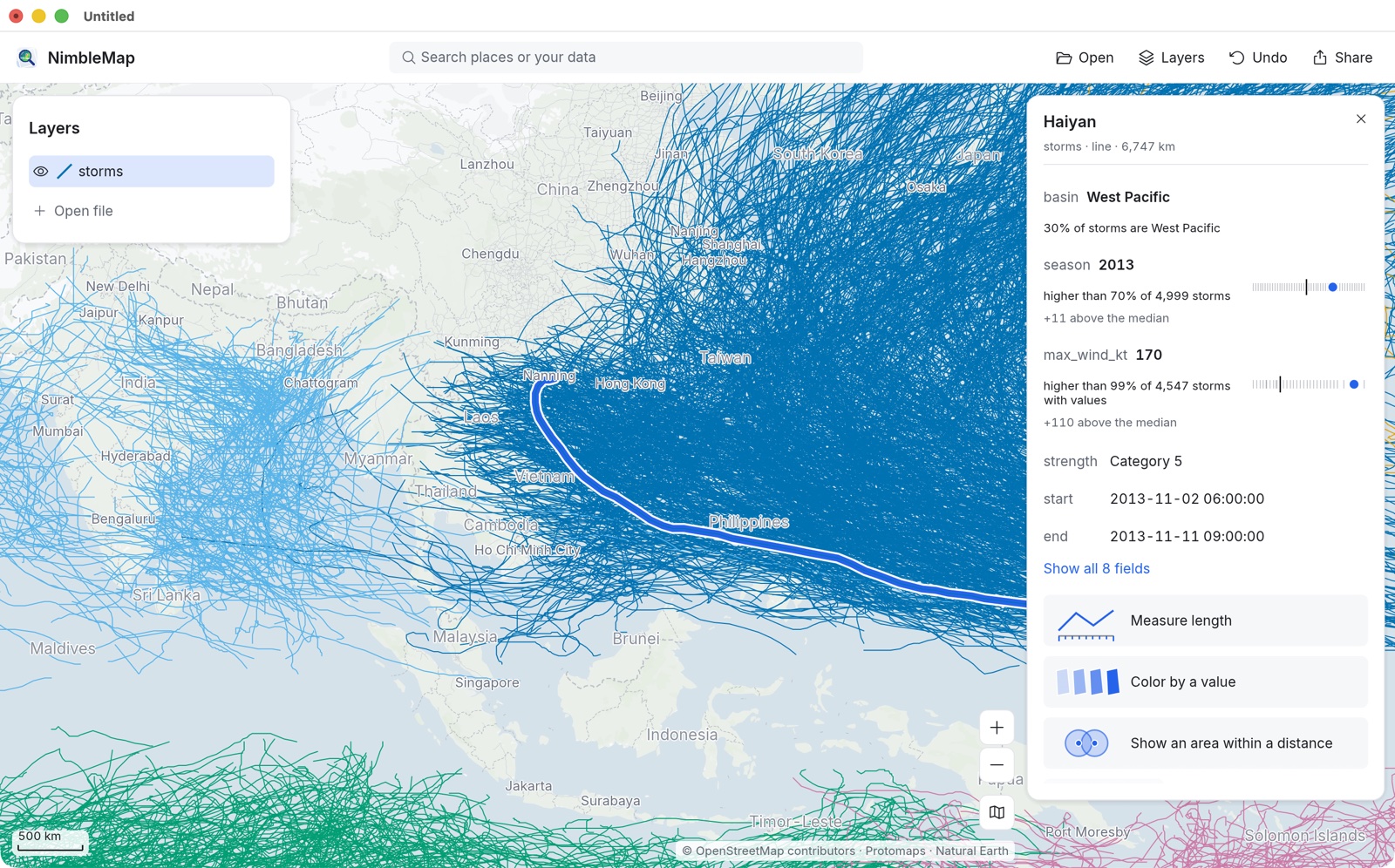
Typhoons and hurricanes
4,999 storm tracks since 1980, covering every ocean, from NOAA’s IBTrACS archive. Find Haiyan, colour the tracks by wind speed and see where the strongest storms occur.
IBTrACS v04r01 · 1980–2026A map app for the curious
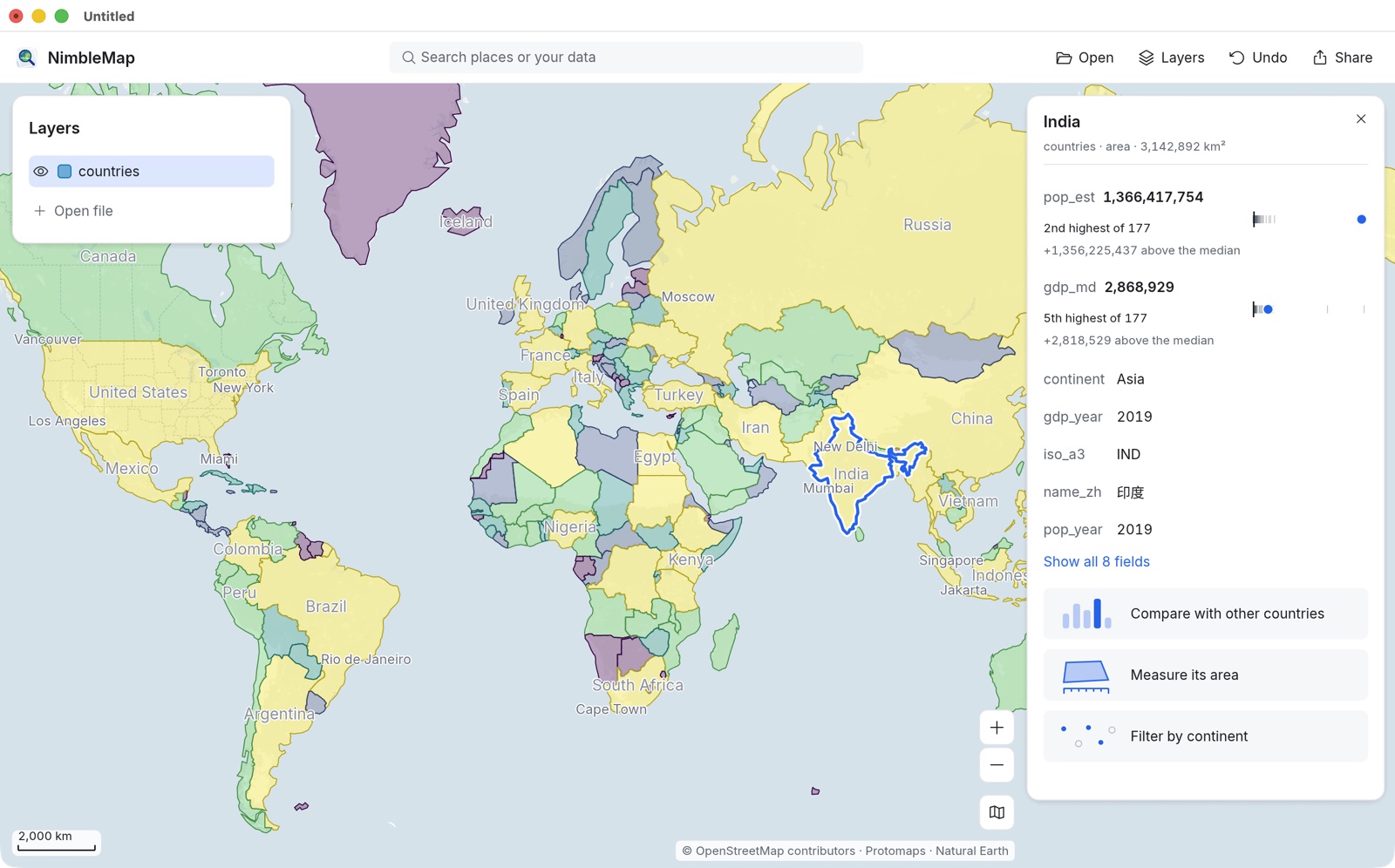
NimbleMap is for people who love maps but have never used GIS. Double-click a file of places, tracks or climate data, and it appears on the map. Click a place or a feature to see what makes it interesting: the strongest storm, the largest walled city, the hottest week.
Free · macOS · English, with Chinese place names
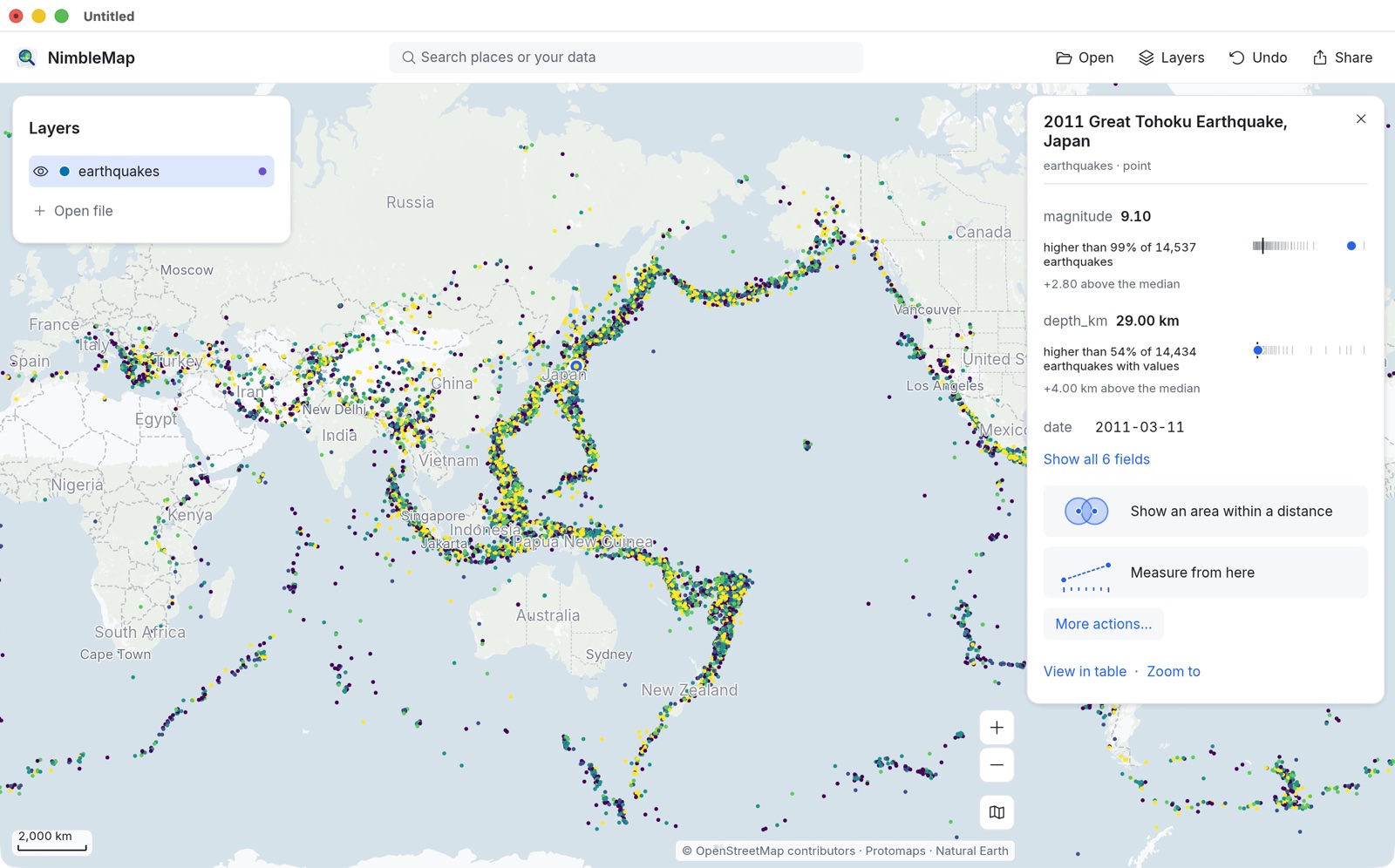
Big earthquakes since 1900, coloured by magnitude
Why it's different
QGIS and ArcGIS are powerful tools for working with spatial data. But for someone opening them for the first time, even making a simple map can be difficult. Hundreds of tools and settings stand between the user and the map. What would GIS look like if it were designed by the people who made the iPhone? Which tools would they keep, which would they hide, and which would they remove altogether? NimbleMap explores this idea. It brings the useful parts of GIS into a map app that anyone curious about places can use.
Most GIS software starts with tools. NimbleMap starts with questions. Click something on the map, and it tells you what it is and how it compares with the rest of its layer.
Every number comes from your data, not just what happens to be visible on the screen. If some records cannot be placed on the map, NimbleMap tells you how many and why. Your original files remain unchanged.
You can undo every step. Every result also comes with an explanation, in plain words, of how it was produced.
NimbleMap is an independent project, not affiliated with Apple, Esri or the QGIS project.
How it works
A map in NimbleMap consists of layers stacked over a background map, much like sheets of tracing paper. Open a file, and it becomes a new layer. There is no setup wizard, no project to create and no empty toolbox to navigate.
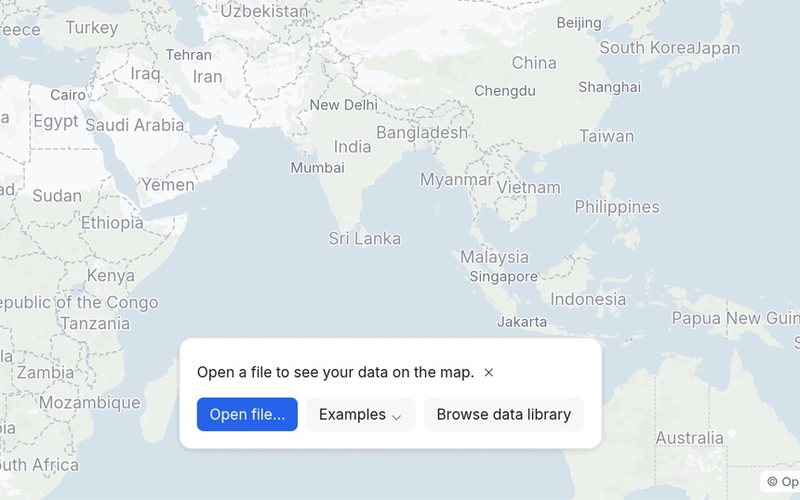
Drag in a CSV with coordinates, a GeoJSON, a Shapefile, a GeoPackage, a GeoTIFF or a NetCDF climate file. If NimbleMap needs to make an assumption, such as which columns contain coordinates, it tells you what it assumed and lets you change it.
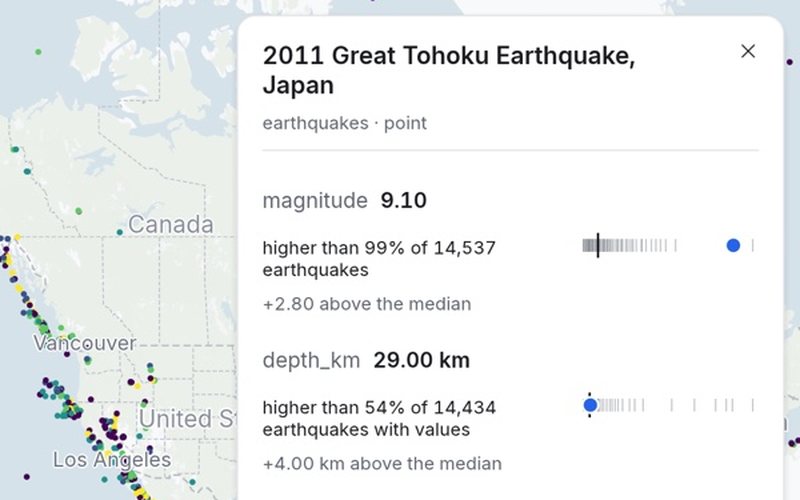
Click a city, a storm or a single cell in a climate grid. NimbleMap first shows you what it is and how it compares with the rest of its layer: “highest of 4,999” or “lower than 80% of the others”. Relevant tools appear when you need them.
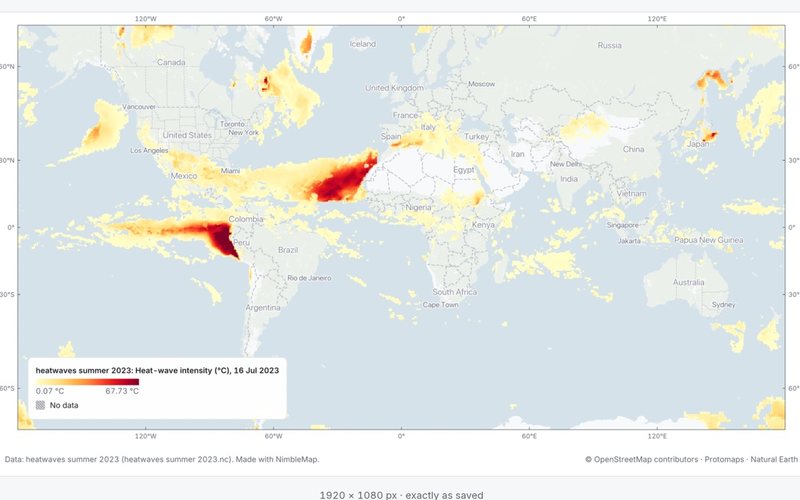
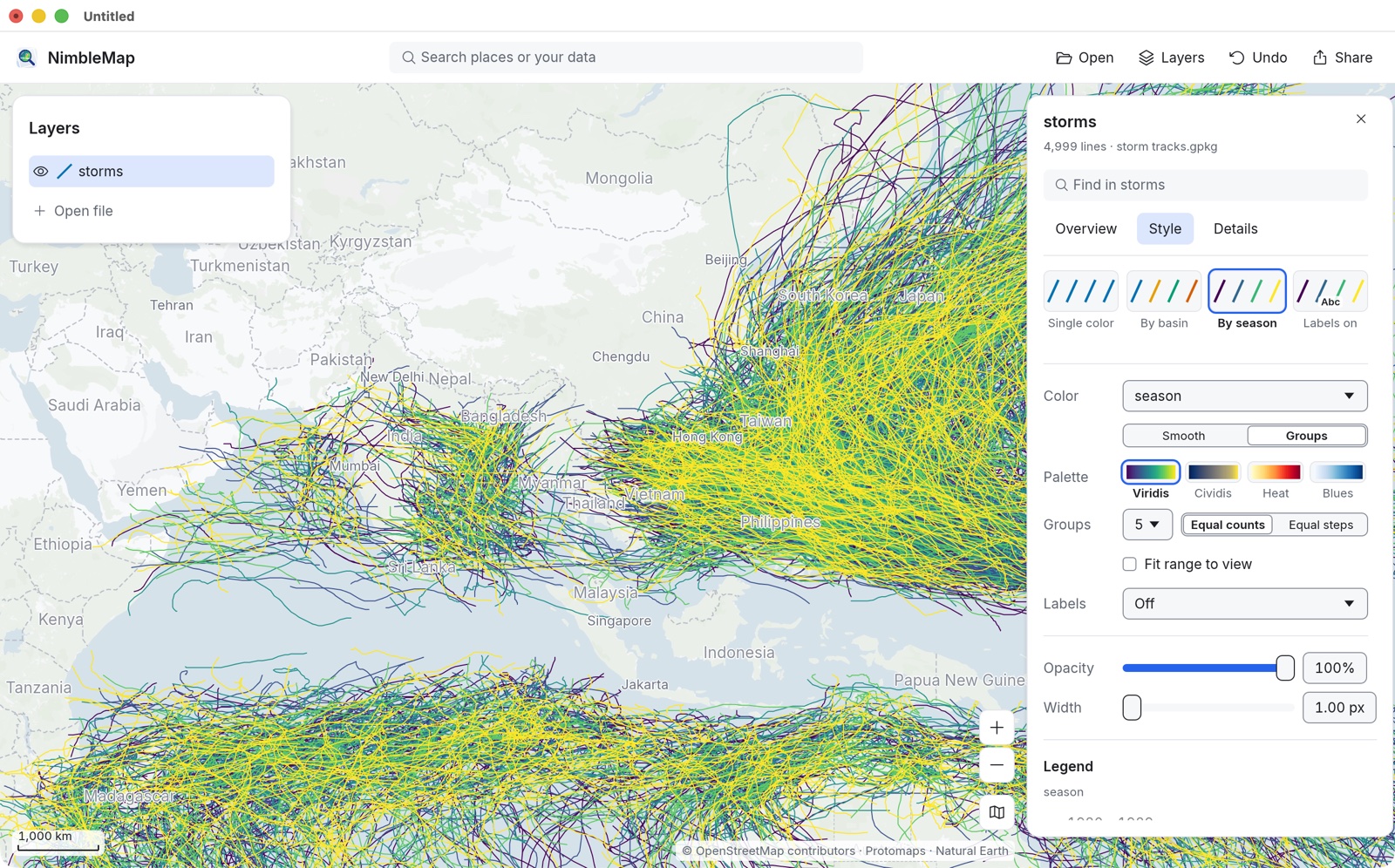
Colour your map by a value, filter the data and export the result as an image. Add a title, legend, scale bar and credits. Choose a size that fits a presentation slide, an A4 page or a square post.
Built-in examples
NimbleMap comes with eight example sets, available with one click under Examples. Here are a few:
4,999 storm tracks since 1980, covering every ocean, from NOAA’s IBTrACS archive. Find Haiyan, colour the tracks by wind speed and see where the strongest storms occur.
IBTrACS v04r01 · 1980–2026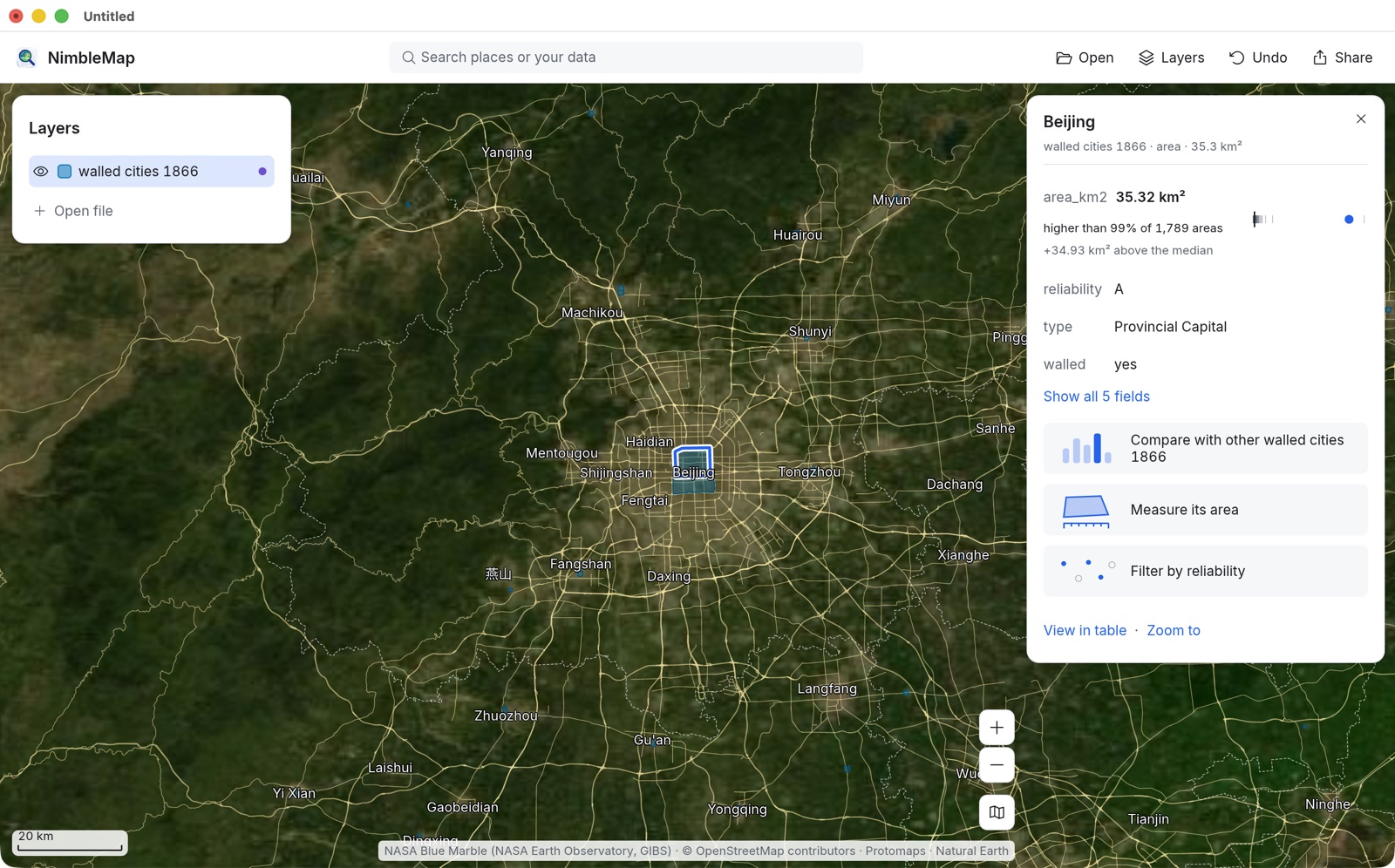
1,789 city walls from late imperial China, including the capital, county towns and Manchu garrisons. See where these cities stood, drawn over satellite imagery.
Xue et al. 2021 · CC BY 4.0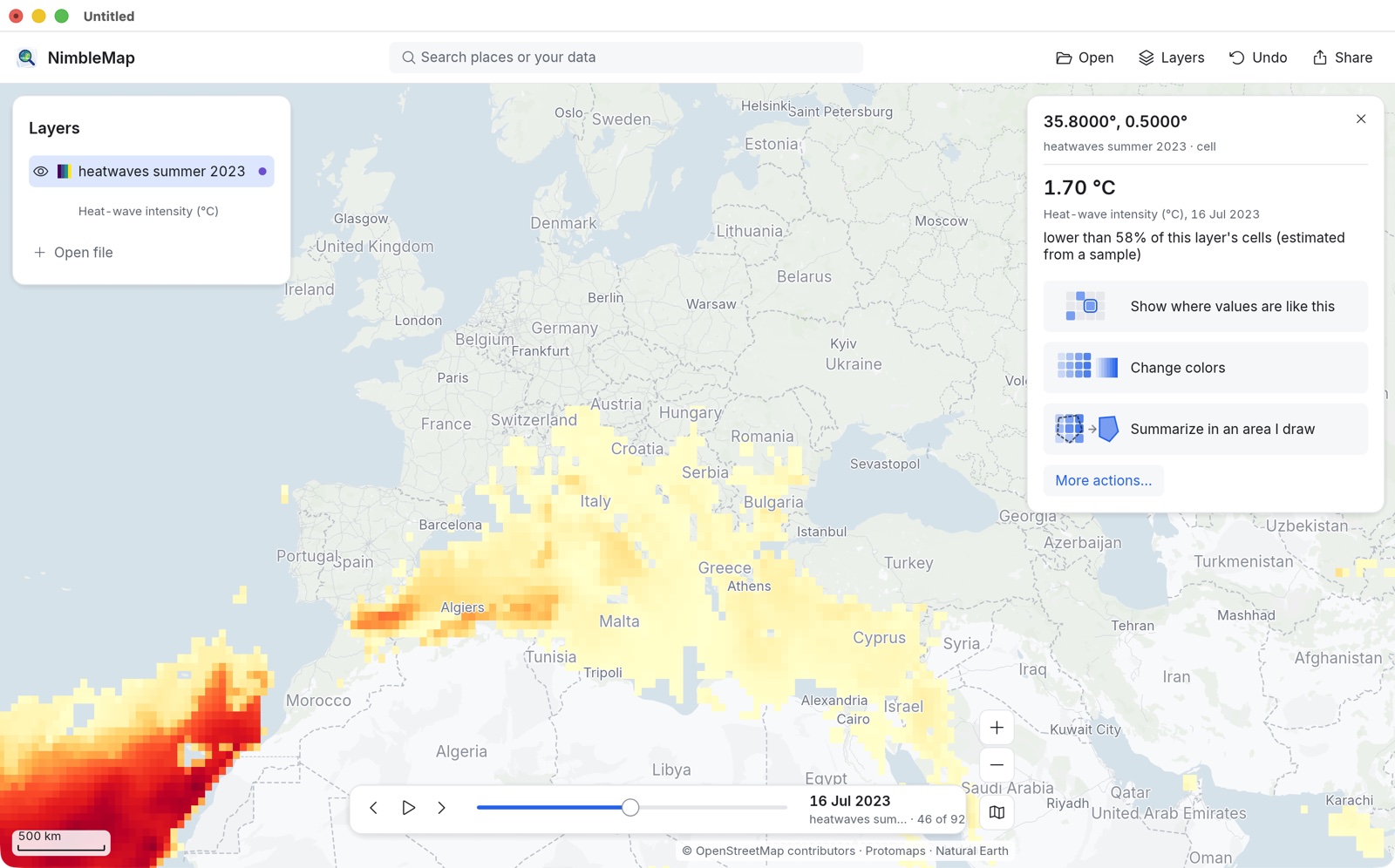
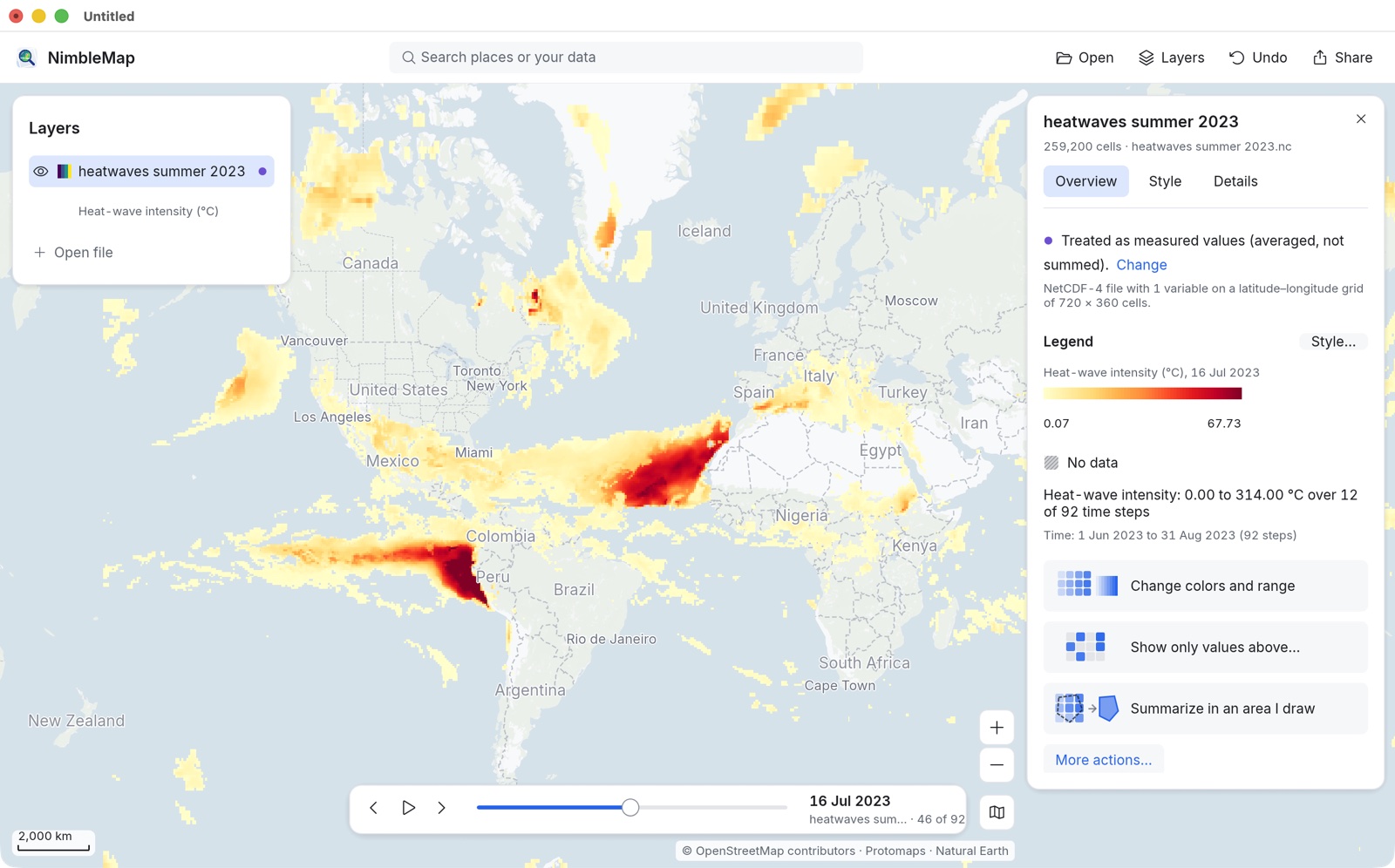
Daily heatwave intensity across the world from June to August 2023, stored in a NetCDF climate file. Move the time slider, or press Play to see how heatwaves developed and moved through the summer.
Copernicus GDO (JRC) · CC BY 4.0Also included: big earthquakes since 1900, volcanoes, airports, power plants, and world cities, countries and elevation.
Free and Pro
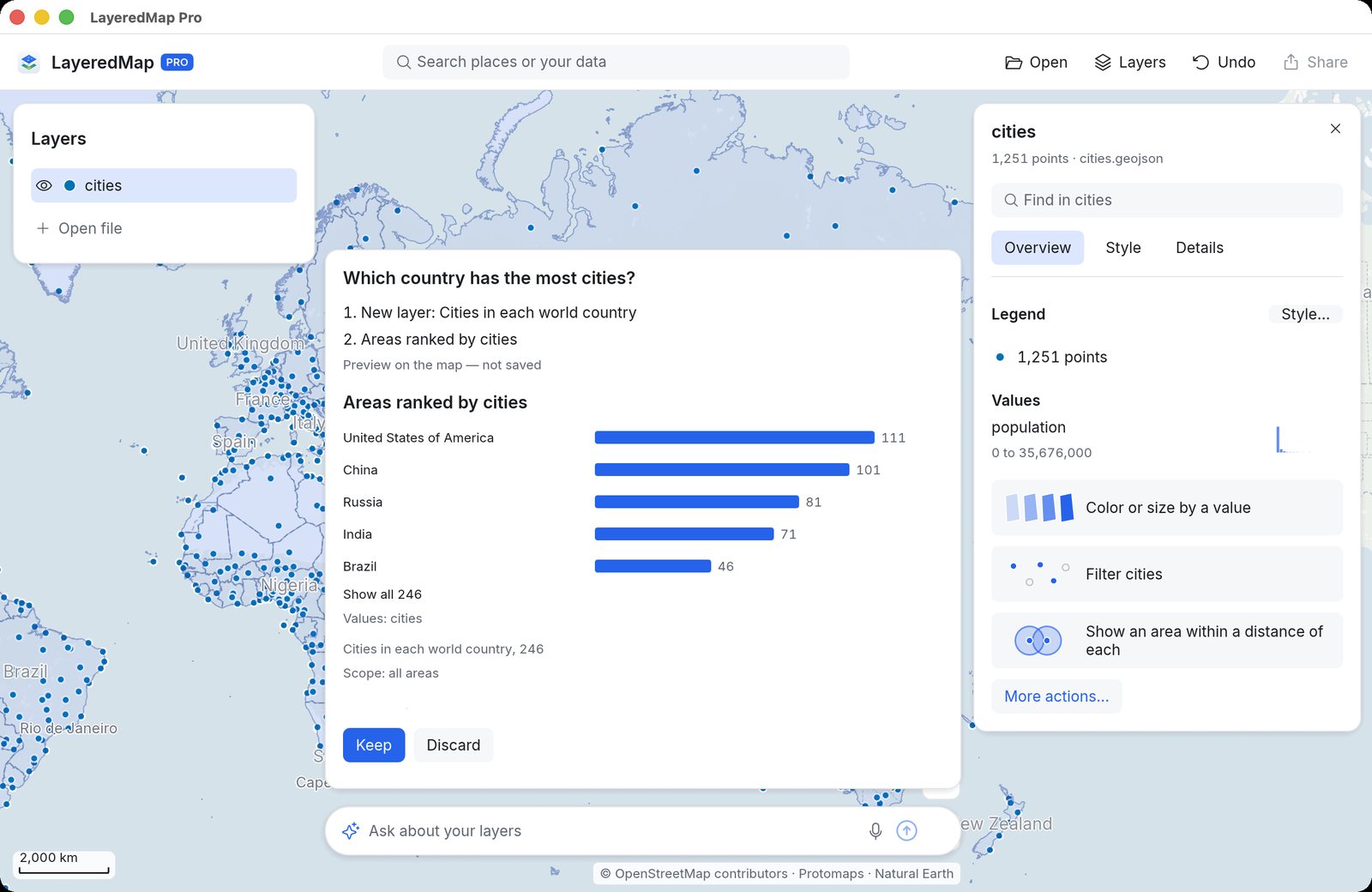
The free version lets you open, overlay, style and share spatial data. NimbleMap Pro adds an assistant that lets you ask questions about your map layers in plain words.
Free download
Everything in Free, plus:
Download
NimbleMap is free for Macs with Apple silicon running macOS 13 or later. Double-click a Shapefile, GeoJSON, CSV, GeoTIFF or other supported file to open it on the map. Your files stay on your Mac. A Windows version is on the way.
NimbleMap is built on RustGIS.