 NimbleMap
Free for Mac
Open your map files on a Mac. They just line up.
Double-click a Shapefile, a GeoJSON, a CSV with latitude and longitude, or a GeoTIFF, and it is on a map. Add another and it stacks in the right place. There is no coordinate system to set and no project to create.
Free · about 70 MB · macOS 13 or later, Apple silicon
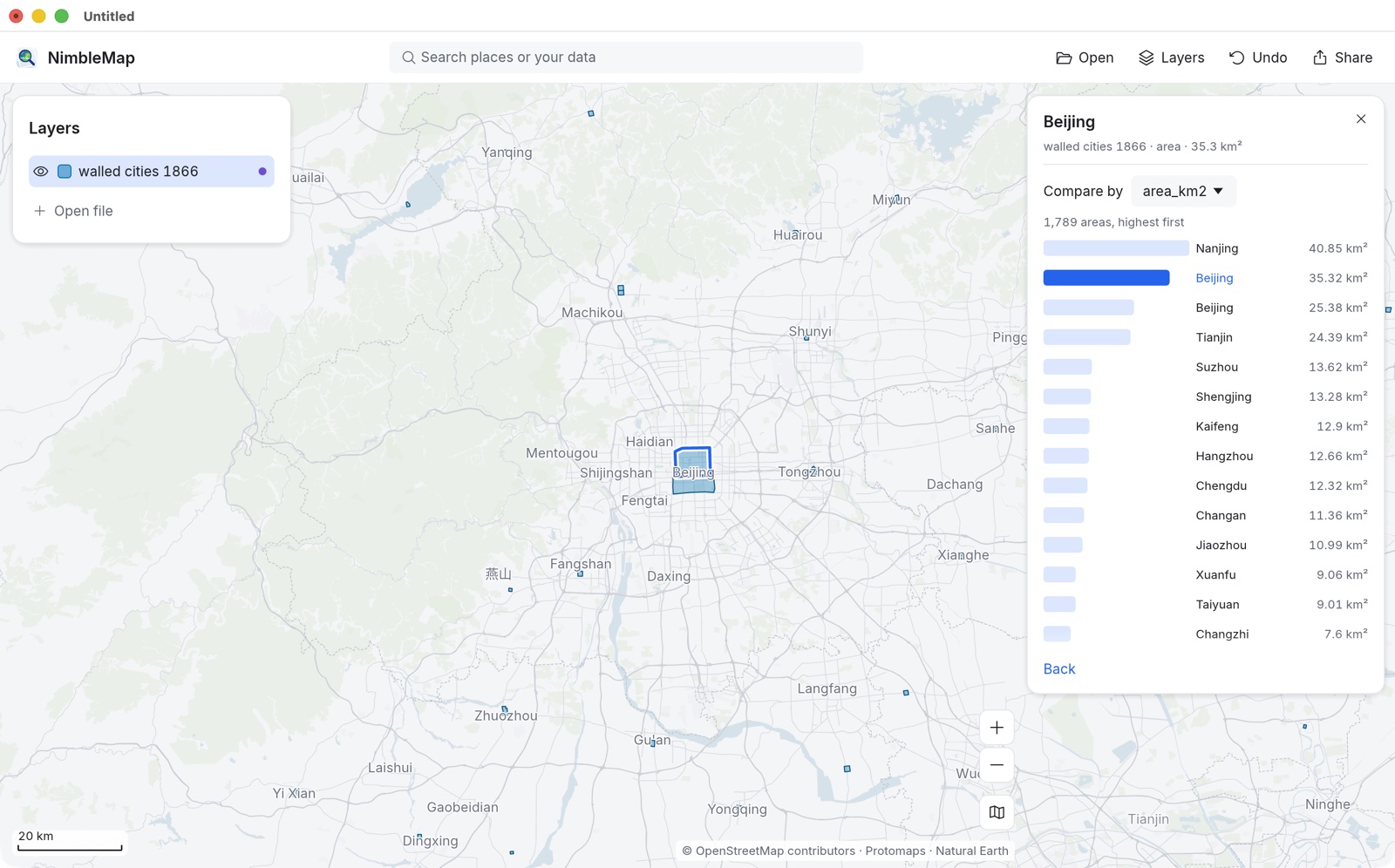
When you just want to look
A map file, open in a second, not a GIS to learn
Most people with a shapefile don't need a full GIS. They need to see what is in it, check it lines up with something else, and maybe send a picture of it.
Double-click in Finder
Shapefile, GeoJSON, GeoPackage, GeoTIFF, KML, GPX and NetCDF files open straight from Finder. Or drag them onto the window.
Layers line up on their own
A shapefile's .prj is read and its coordinates converted, so CSV points land on top of district boundaries instead of somewhere off the map. If a file's coordinate system can't be read, the app says so in one line.
CSV points in one drop
Drop a spreadsheet with latitude and longitude columns. The app finds the columns, puts every row on the map, and tells you which columns it picked so you can change them.
GeoTIFFs on a real map
Preview shows a GeoTIFF as a flat picture. Here a satellite scene, a drone survey or an elevation model is placed where it belongs, under your other layers.
Your files stay on your Mac
Nothing is uploaded. The free app opens files locally and works offline, which matters for survey data, client files and anything sensitive.
China's map coordinates
Points from Amap, Tencent or Baidu Maps use China's shifted GCJ-02 or BD-09 coordinates. When a layer in China looks like one of these, the app says so and converts it with one click, so it lines up with the basemap and your other data.
Formats
What it opens
Shapefile (.shp)
Keep the .shp with its .dbf, .shx and .prj beside it, or open the .zip they came in. Attributes show in a table and on a card when you click a shape. Older files in Chinese or other encodings are read with their .cpg.
GeoJSON and TopoJSON
Points, lines and polygons, with every property in the table.
CSV and Excel
Any table with latitude and longitude columns, or a WKT geometry column. A table without coordinates can be joined to places by a shared column, such as a country or district name.
GeoTIFF
Elevation, temperature, land cover, satellite and drone imagery. Click a cell to read its value; colour it by value with a legend.
NetCDF
Climate and weather grids, with a time slider to step or play through the days.
Also
GeoPackage, KML and KMZ from Google Earth, GPX tracks from a phone or watch, and FlatGeobuf.
Honest comparison
NimbleMap or QGIS?
QGIS is the free, full GIS, and a very good one. NimbleMap is for the times it is more than you need.
NimbleMap is enough when you want to
- See what is in a file and where it is
- Check that two layers line up
- Colour, filter and label by a value
- Join a spreadsheet to places by name
- Export a finished map image for a slide or report
Use QGIS when you need to
- Edit shapes or attributes
- Georeference a scanned map
- Clip, dissolve, or run other geoprocessing tools
- Choose or define a map projection yourself
- Build a multi-page print layout or use plugins
Browser viewers are quicker still for a one-off look, but they need the file uploaded or held in a browser tab. NimbleMap keeps files local and handles large ones.
Questions
Common questions
Is there free software to open a shapefile on a Mac?
Yes. NimbleMap is free. Double-click the .shp in Finder, or drag it or its .zip onto the window. Keep the .dbf, .shx and .prj files next to it, since a shapefile is really a set of files.
Why don't my CSV points show up on top of my shapefile?
Usually the shapefile is stored in a projected coordinate system (metres from some origin) while the CSV holds latitude and longitude, so the two land in different places. NimbleMap reads the shapefile's .prj and converts it to latitude and longitude, so both line up. If the .prj is missing or not understood, it says so instead of guessing silently.
Why does Preview open my GeoTIFF but not on a map?
Preview and Photos treat a GeoTIFF as an ordinary image and ignore the location stored inside it. NimbleMap reads that location and draws the image in place, under or over your other layers, and shows the value of any cell you click.
Do I need to know GIS or coordinate systems?
No. Files open without settings, and when the app has to guess something, such as which columns hold the coordinates, it tells you in one line and lets you change it. The glossary explains map words in plain language.
Are my files uploaded anywhere?
Not in the free app: everything is read and drawn on your Mac, and it works offline. Basemap tiles are downloaded when you're online, but your data is never sent. In Pro, the Ask box sends the assistant your layer names, field names and extents so it can understand the question, never the values.
Is there a Windows version?
It is on the way. For now NimbleMap runs on Macs with Apple silicon and macOS 13 or later.